

Business phone systems
Your business number.
Where work happens.
Give staff a professional way to answer, transfer and return business calls. Choose suitable desk phones and app access, with a call flow built around your team.
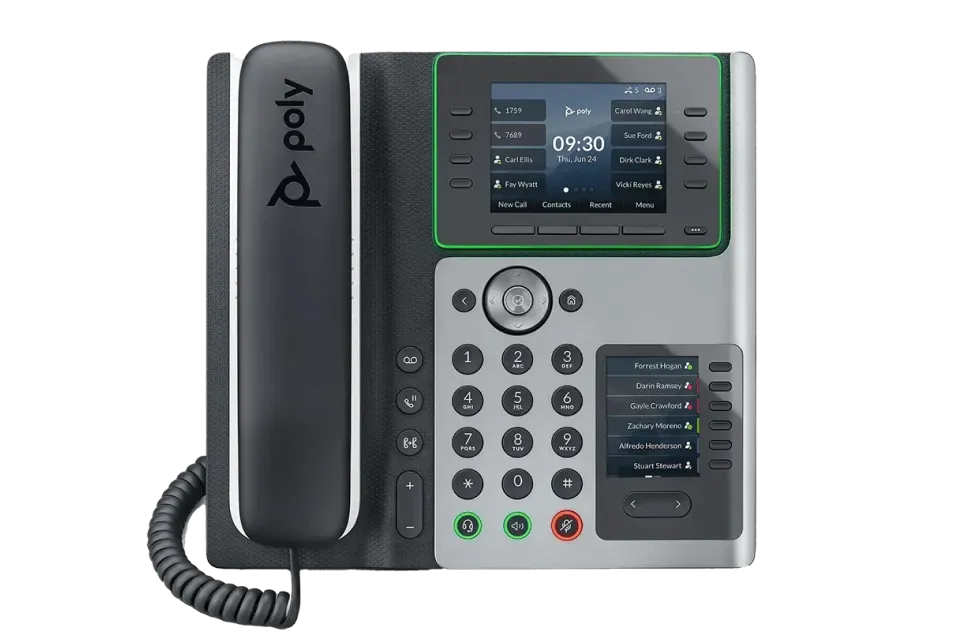
A desk phone is still
a good place to start.
For reception, shared workspaces or everyday office calls, we can review suitable devices and how they will be used.
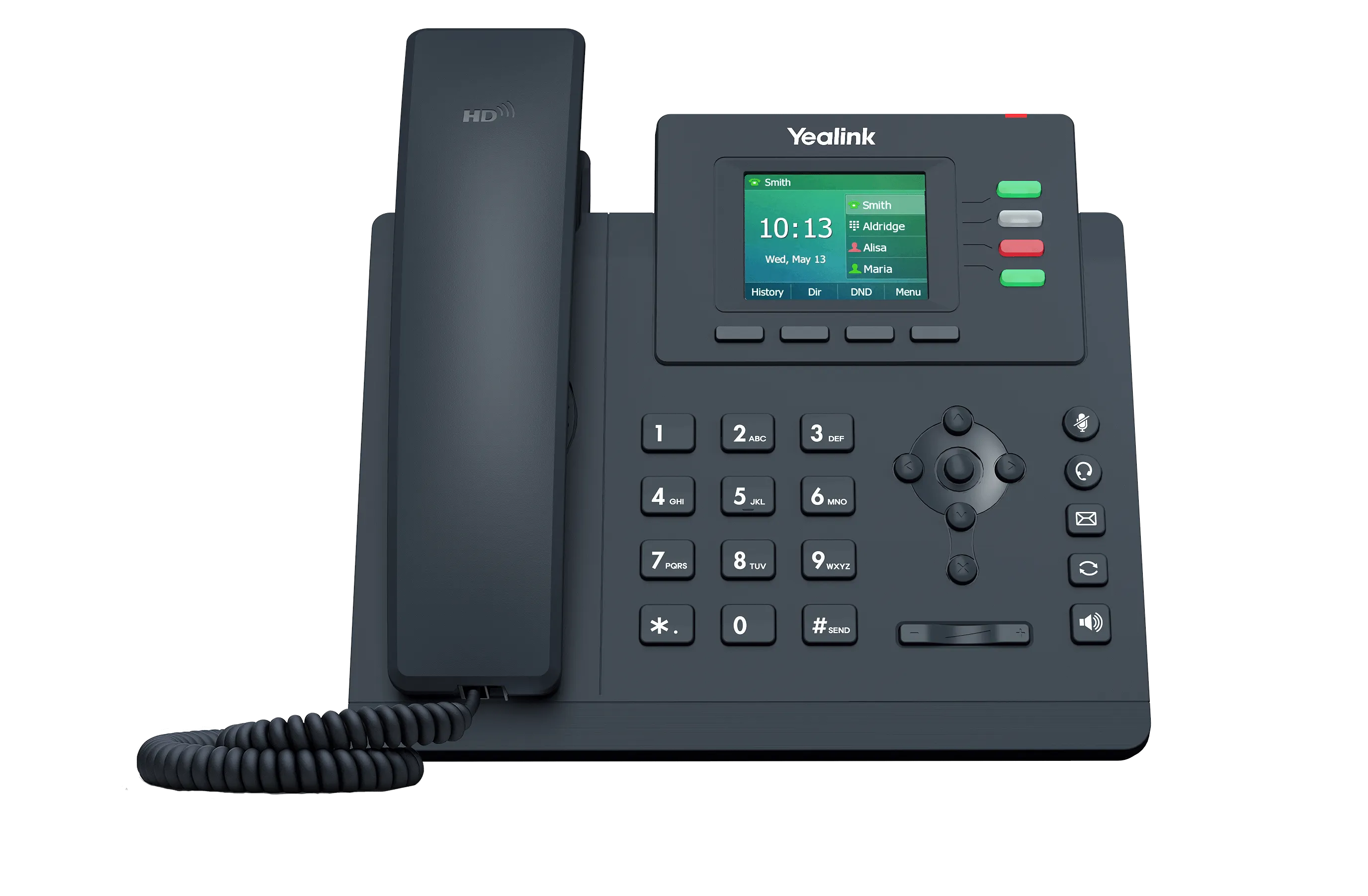
Start with the person using it.
Who needs a physical handset? Who works from a laptop or mobile device? What do reception and shared spaces need?
Devices, accessories and subscriptions are separate selections. Existing equipment needs a compatibility review.
Explore RingCentral’s device catalog →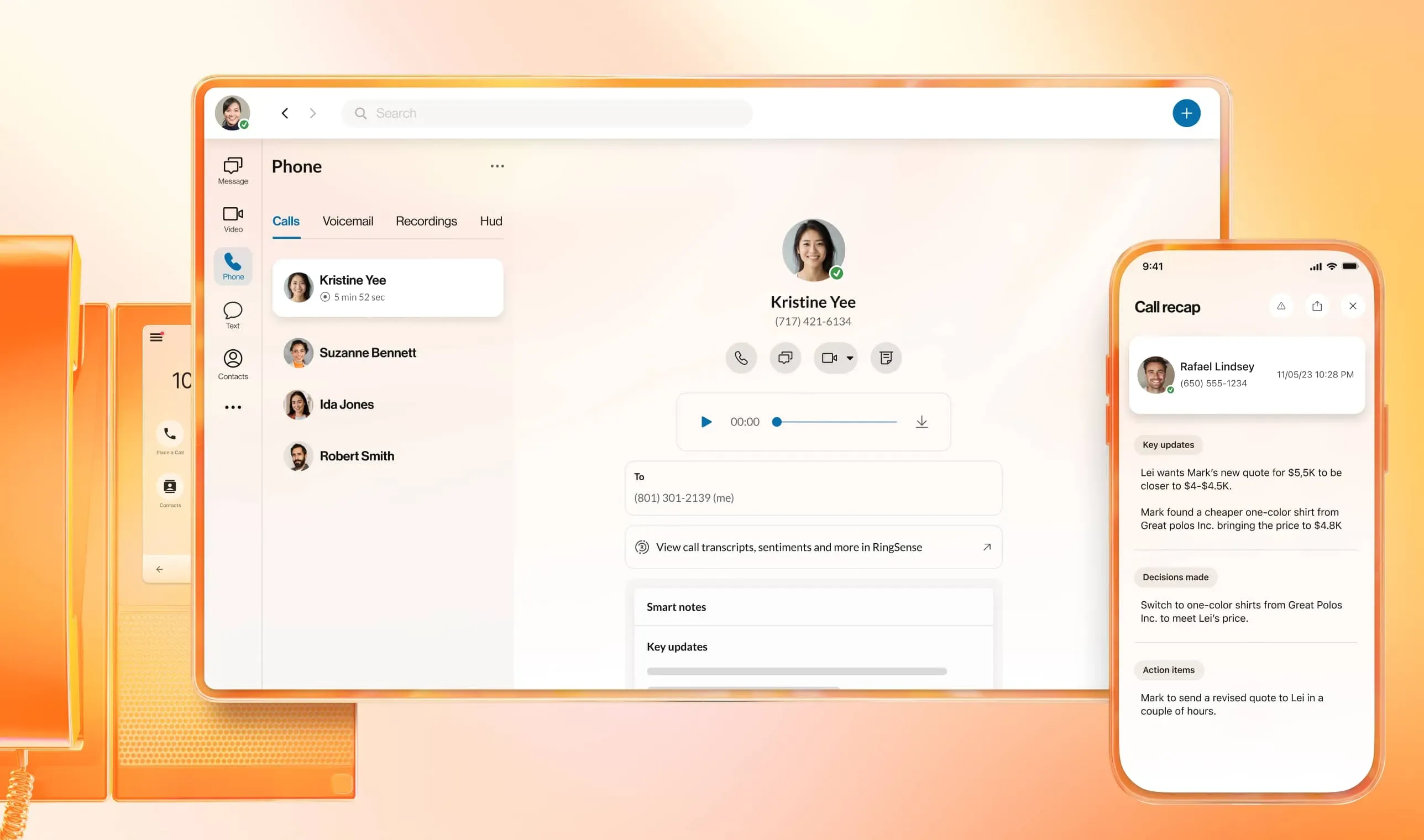
One working system
How does your team take calls?
At the desk
Use a suitable handset for familiar answering, transfers and everyday calls. Review reception and shared-phone requirements.
Away from the desk
Review RingCentral app access on desktop and mobile so staff can use business calling where they work.
When a colleague needs to help
Plan transfers, shared destinations and voicemail so the next person can take the conversation forward.
Blue Lion Technology · RingCentral partner
The product.
The setup.
Someone to call.
We help turn phone-system requirements into configured users, devices and call handling. Ask about subscriptions, installation, eligible number transfers and ongoing support.
- Installation, user setup and migration planning
- IVR menus, routing and voicemail configuration
- Technical assistance and changes as your business evolves
Features and availability depend on the selected subscriptions and configuration. Subscriptions, devices and services are scoped separately.
Explore AI Receptionist →Plan installation and migration →Blue Lion Technology
Build the phone setup around your people.
Tell us your current provider, approximate user count, numbers and how callers should reach the team. We’ll discuss the product, configuration and pricing.